I’m sorry if this is a repost but i have a few questions related to a release that i have to submit tomorrow and i’m not sure of every step.
My Publishing plan is simple, but i need help so i don’t make mistakes while publishing:
1st single must be published in January, second single out in february, album out in march. The singles will be included in the album.
If got this right, i should upload my singles separately, as “single or EP release”.
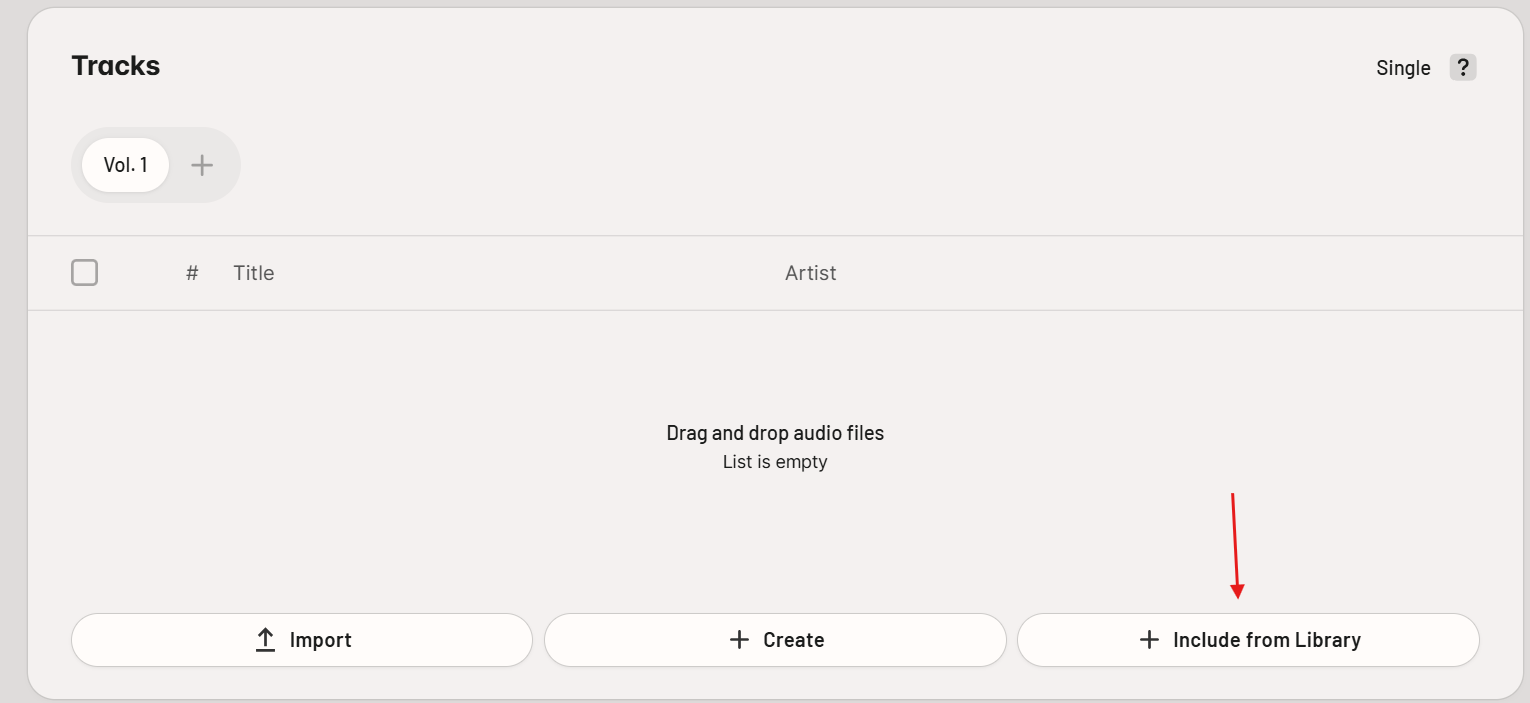
And later, when i’ll be about to publish the album i’ll upload the other tracks and add my previously published singles from my library in the correct order among the other tracks.
Question nr1: did i get it right? is this the correct way to do this?
Question nr2: can I add a different artwork for each single and then another one for the album ?
Question nr3: is there anything else I should be aware of?
Thank you very much to anyone who will respond.
R