Hello. I purchased the standalone year of priority email support for 1 year with my latest submitted release. The order has been paid but I do not have any option to contact support on my imusician page. The ‘need help’ button just lets me chat with the bot, which talks me in circles about contacting email support. The three dots at the top of the chat window dont take me anywhere but the FAQ. I have not received any emails regarding support, and I’ve checked all my spam folders.
Hey @oscillatorz,
Can you please make sure that your cache is clear and that you’re running the latest version of your web browser? You should privilege Google Chrome for optimal performance 
1 Like
I am using chrome. I have cleared cache and hard reset. I have tried using microsoft edge as well still with no options to contact support. I also disabled all chrome plugins and extensions/adblocker
1 Like
@Carlos, is it possible even though I purchased a year of support, my account is not tagged correctly for owning it? its been 3 days now with no way to contact anyone.
Your account does indicate you have access to email support, so no issue there.
You should see the Contact Support option if you click on ••• at the top-right corner of the Need Help? tab 
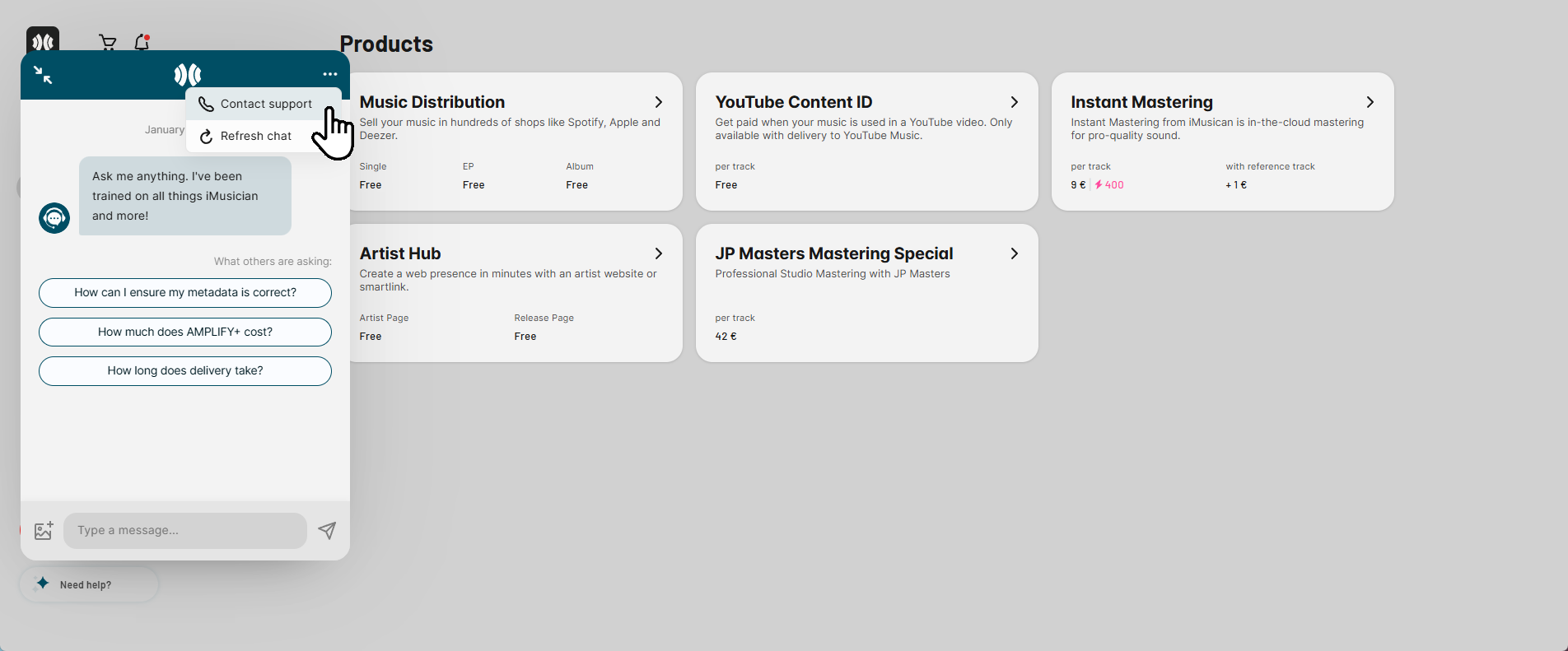
Can you please share a screenshot of what you’re seeing when you open that tab (if the issue persists) ?
1 Like
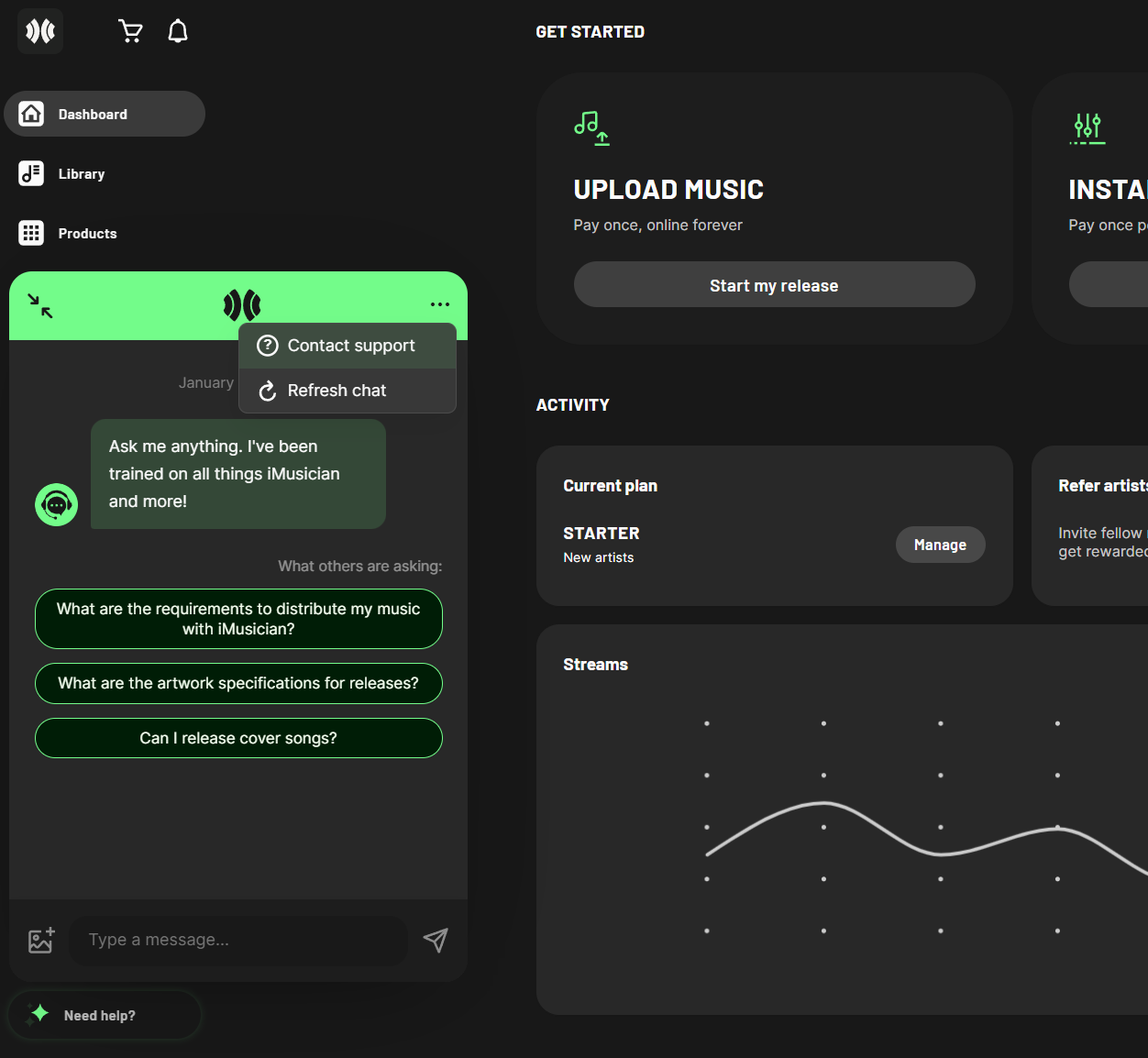
Here is what I see. it says contact support, but when I click it it just takes me to the FAQ page
I was able to contact support by guessing what the support email was, and I can now email back and forth with them that way. But maybe you still want to resolve this for future users who may experience the same. Chrome is up to date and no plugins are active on the page. Cache has been cleared and hard reset.
Thanks @oscillatorz!
I nudged our tech team to take a look. They’ll get back to you on this in a bit
Update: Our team identified a bug there and a fix is underway. Sorry about that!
1 Like
can confirm its now fixed, thanks
Cool! You’re welcome